

What is Delivery Dispatch Software and How to Choose a Driver Management Platform


.png)
A dispatcher with a spreadsheet and forty orders a day looks fine. Add a hundred and sixty more orders, a second location, and a fleet split between employees and gig drivers, and that same spreadsheet becomes the reason deliveries run late.
Delivery dispatch software is built for exactly that moment. It assigns orders to drivers, tracks them in real time, and confirms every delivery with proof — automatically, instead of through a phone tree and a dispatcher's memory. Driver management software is the broader term for the same category: the system of record for who's driving, where they are, and whether the delivery actually happened.
The two terms get used interchangeably in vendor marketing, and that's fine — the underlying job is the same. What actually separates one platform from another is what "management" includes once order volume climbs past what a spreadsheet, or a single dispatcher's attention, can carry.
Most operations don't go looking for dispatch software because they read about it. They go looking because the spreadsheet stopped working — a dispatcher who used to clear the board by lunch can't get through it by dinner, or a second location just opened and nobody can see both driver pools at once. The category exists to solve that specific moment, not to add features for their own sake.
That's also why the market splits the way it does. A platform built to onboard a single-location restaurant in an afternoon and a platform built to orchestrate a 500-driver enterprise fleet are answering different questions, even when their marketing pages use identical language — "real-time tracking," "automated dispatch," "proof of delivery" — to describe genuinely different products underneath.
What driver management software actually does
A real driver management platform runs four jobs at once: assignment, tracking, proof, and communication.
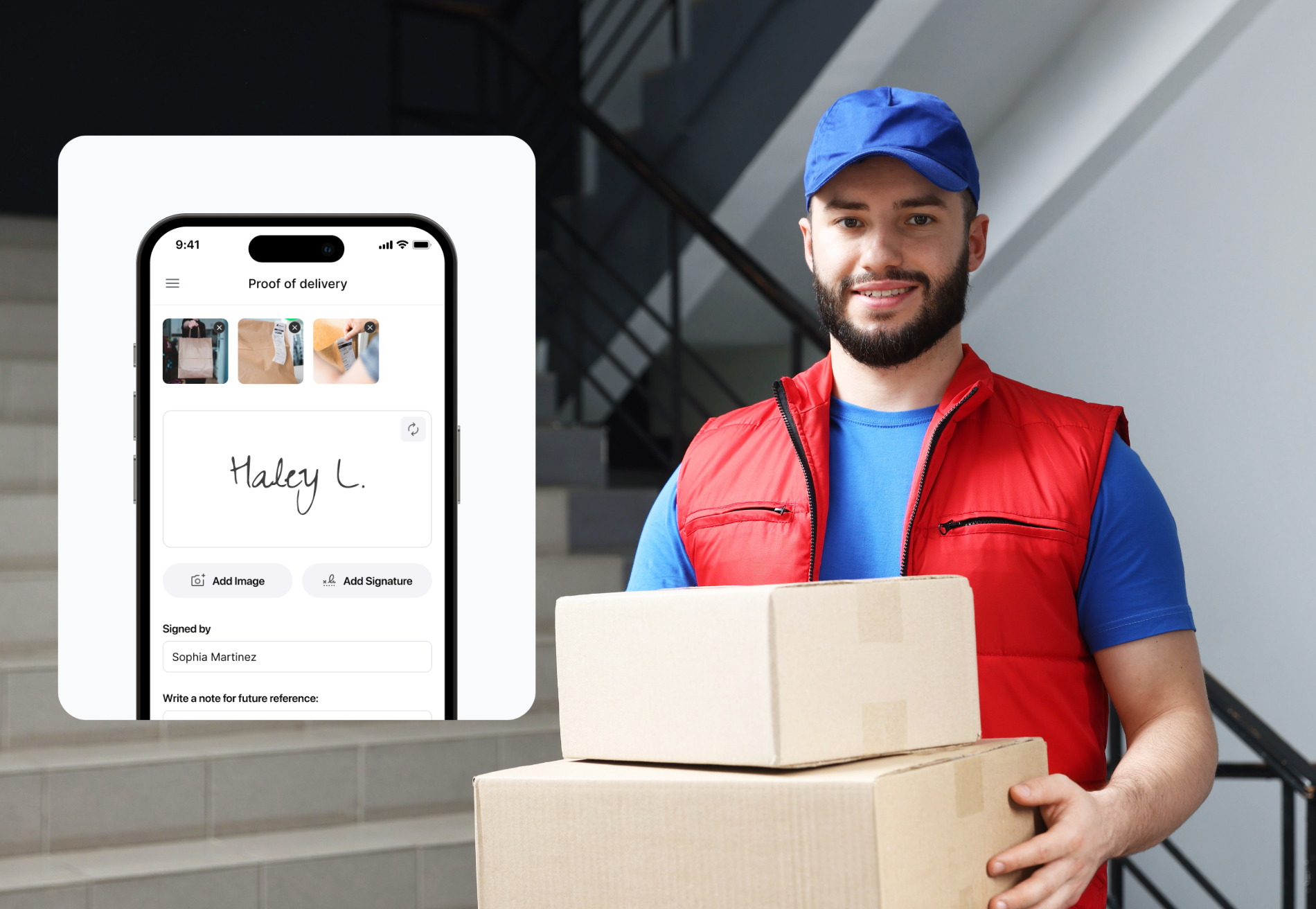
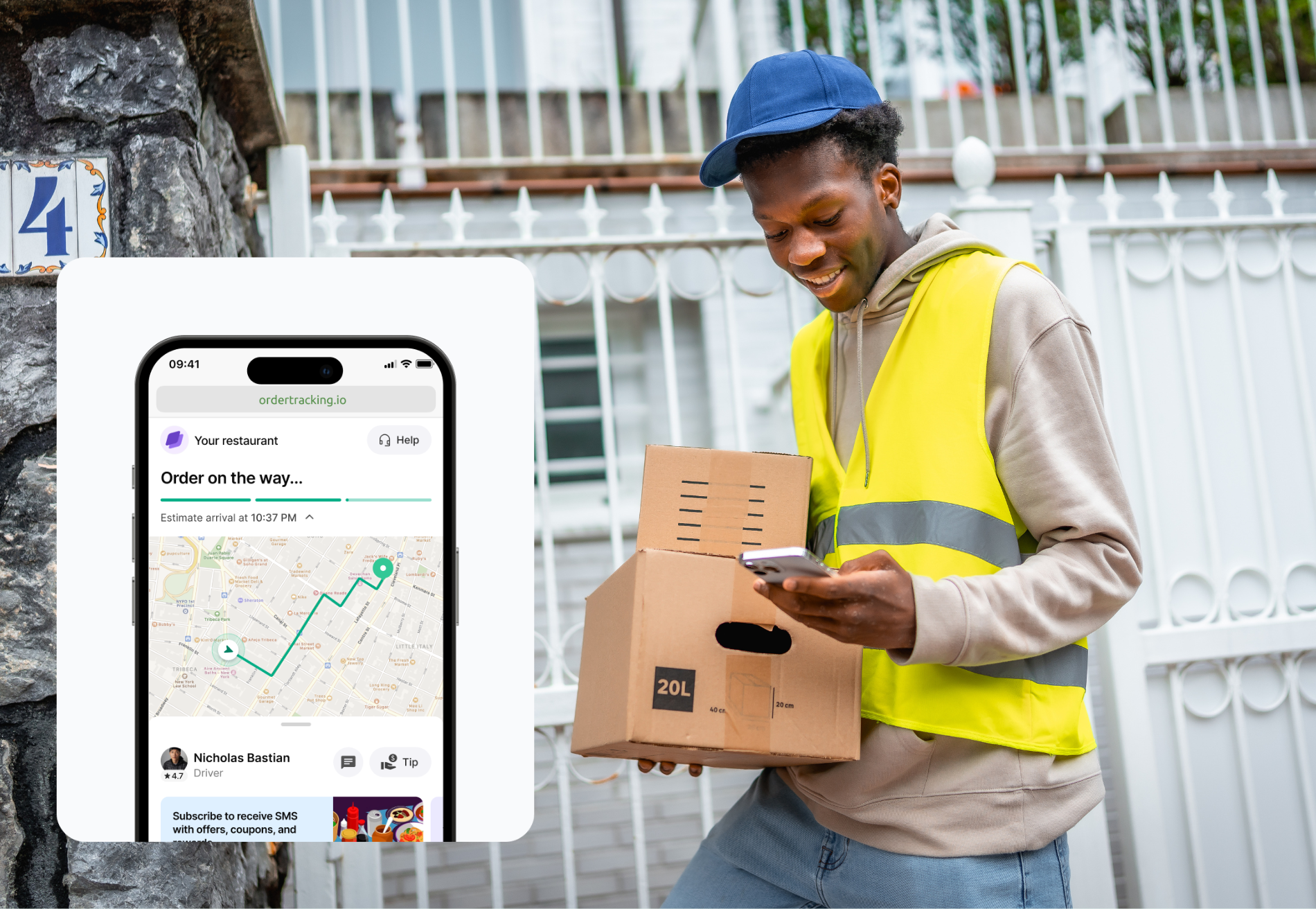
Assignment means matching an incoming order to an available driver — automatically, based on location and current load, or manually, through a dispatcher dragging orders onto a map. Real-time tracking means the platform knows where every driver is right now, not where they were at the last check-in, which is the difference between catching a wrong turn in progress and hearing about it after the customer calls. Proof of delivery means a photo, signature, or timestamp attached the moment an order is marked complete — the record that ends a "where's my order" dispute before it starts. And communication means the loop between driver, dispatcher, and customer stays open without anyone picking up a phone, whether that's an automated text at each milestone or a two-way message thread a dispatcher can jump into.
Basic route planners handle one piece of that: the map. A route planner tells a driver the fastest way through ten stops — it doesn't confirm the driver actually made stop six, tell the customer anything, or help a dispatcher juggling twelve drivers across three shifts. Route optimization is a feature; driver management is the operation built around it.
That distinction is also where many buying decisions go wrong. A team that's outgrown a route planner but shops for "the next route planner" may end up back in the same spot a year later, having paid for a slightly better map instead of the assignment, tracking, and communication layer that would have actually solved the problem.
Key features to evaluate
Real-time GPS tracking that updates on a live map, not on a refresh cycle. A dispatcher watching drivers move ten seconds behind reality can't make a fast reassignment when a driver goes down, or an order gets rejected. Ten seconds sounds small until it's the gap between catching a missed turn and finding out about it from an angry customer.
Automated dispatch that assigns orders by driver location and load, with manual override available when a dispatcher needs to step in. Pure manual assignment tops out fast — usually somewhere between 30 and 50 orders a day is where one dispatcher stops being able to keep pace by hand, and every order past that point waits longer than it should. Automated dispatch doesn't remove the dispatcher from the loop; it removes the part of the job that was never worth a person's attention in the first place.
In-house and third-party driver access from the same dashboard. Most growing operations run a mix: employed drivers for the core route, gig drivers like DoorDash or Uber for overflow during rushes or as backup during a slow hiring month. A platform that manages only half of that fleet forces a dispatcher to run two systems to do one job — checking one app for the in-house team and a separate portal, or a phone, for everyone else.
A real mobile app for drivers, not a web page opened in a mobile browser. Turn-by-turn navigation, one-tap status updates, and photo capture for proof of delivery all live here — a clunky driver app is one of the most common complaints fleet operators raise about delivery software, and it shows up as missed updates and late proof-of-delivery photos more than as a formal complaint. Drivers won't file a support ticket about a bad app. They'll just stop using the annoying parts, which quietly breaks the data a dispatcher is relying on.
Proof of delivery with a photo, signature, or GPS-stamped completion. This is the artifact that ends billing disputes and chargebacks, and it has to attach automatically — anything that requires an extra step is a step a rushed driver will skip. A platform that makes proof of delivery optional is a platform that will have gaps in its records exactly when those records matter most.
Messaging between driver, dispatcher, and customer in one thread, not three separate channels. A customer asking how far out their order is shouldn't require the dispatcher to call the driver and then call the customer back — that's two interruptions and a delay to answer a question the system should already know.
Route optimization that adjusts through the day instead of locking in once at the start of a shift. A route planned at 9 a.m. that doesn't account for an 11 a.m. order is solving yesterday's problem on today's clock. Static routing was fine when order volume was predictable; it stops being fine the moment a business runs same-day or on-demand delivery alongside scheduled routes.
How the major platforms compare
(Comparison table below — excluded from billed word count.)
Shipday and Onfleet both manage in-house and third-party capacity from one dashboard, though the third-party layer works differently underneath: Shipday taps directly into gig marketplaces like DoorDash and Uber, while Onfleet routes overflow through its own vetted courier network, Onfleet Connect, rather than a gig platform. Shipday's per-order pricing avoids the per-driver fee that punishes fleet growth; Onfleet's per-task tiers give a predictable number at each volume level, at a higher entry price. The practical difference shows up at renewal time: an operation growing its driver count faster than its order volume ages well on Shipday's model and poorly on a per-driver one, and the reverse is true for an operation with a lean driver roster running very high order volume per driver.
Route4Me's routing engine holds up on its own, but core communication features often live behind an add-on marketplace, so the quoted price and the real bill can diverge. Spoke Dispatch fits smaller courier teams well, particularly ones that outgrew a spreadsheet or a consumer route planner but don't need a full dispatch timeline yet; it's a genuinely good fit for that specific size of operation, not a lesser version of a bigger platform. Bringg is priced and built for fleets orchestrating hundreds of drivers across in-house, third-party, and gig networks — not a fit below that scale, and its own numbers say so plainly rather than requiring a sales call to find out the hard way. DispatchTrack earns its mention for scheduled and heavy-goods delivery at enterprise scale, where a fast multi-site rollout matters more than day-to-day dispatch flexibility, and where the custom-contract pricing model is standard practice rather than a red flag.
Choosing the right platform by fleet type
Single-location operations need automated dispatch and a real mobile driver app more than they need enterprise orchestration. The dispatcher is often also the owner, so ease of setup matters as much as the feature list. A platform that takes a week to configure is a platform that doesn't get used. For this size of operation, the platforms worth shortlisting are the ones built to be running within a day, not the ones that lead with an implementation team.
Multi-location and franchise operations need a unified view across sites, not five dashboards that don't talk to each other. The right question isn't whether a platform claims multi-location support (most do) it's whether a dispatcher at headquarters can see every driver at every location on one screen, or whether "multi-location" just means the login page has a location dropdown. A franchise operator evaluating this should ask a vendor to show, not describe, what a multi-location dashboard looks like with three sites already running in it. The demo either has an answer or it doesn't.
Enterprise fleets — hundreds of drivers, multiple carrier partnerships, ERP integrations — are a different buying decision entirely. Per-driver pricing that would be prohibitive at 20 drivers becomes the ordinary cost of doing business at 500, and an implementation timeline that would be unacceptable for a single restaurant is standard for a national rollout. At that scale, the evaluation shifts from "does it have the features we need" to "can it be configured, secured, and supported the way our other enterprise systems are" — a different set of stakeholders asking a different set of questions.
There's a fourth category worth naming even though it doesn't map cleanly to fleet size: operations running scheduled or heavy-goods delivery, where the unit of work is a multi-hour delivery window rather than a same-day order. That's DispatchTrack's territory specifically, and it's a poor fit for a same-day restaurant or courier operation regardless of driver count — the platform is built around a different rhythm of delivery entirely.
The mistake to avoid: buying for the fleet a business hopes to have in three years instead of the one it's running today. A ten-driver operation doesn't need Bringg's orchestration, and a 600-driver enterprise fleet will outgrow a platform built for single-location simplicity fast. Automated dispatch that scales with order volume instead of driver count is the feature to weigh most heavily against wherever the operation is actually headed — not the growth story a competitor's sales deck is selling.
And the fleets that get this wrong almost always err in the same direction: overbuying early, then carrying enterprise cost through years of SMB-scale operations. The reverse mistake is rarer but just as costly — staying on a platform built for a single location two years after the second and third opened, because switching felt like more work than the workaround the team had already built around the software's limits. Both mistakes come from evaluating the platform once and never again, instead of treating the fit as something to reassess as the operation actually changes shape.
FAQ
What's the difference between delivery dispatch software and a route planner? A route planner optimizes the path between stops. Dispatch software manages the full operation — assigning orders to drivers, tracking them in real time, capturing proof of delivery, and handling communication between driver, dispatcher, and customer. Route planning is one feature inside a driver management platform, not a replacement for it.
Do I need automated dispatch, or is manual assignment enough? Manual assignment works for small operations, typically under 30–50 orders a day with one dispatcher. Past that volume, manual assignment becomes the bottleneck — a dispatcher can't reassign fast enough when a driver goes down or an order gets rejected — and automated dispatch stops being optional.
Can driver management software handle both in-house and third-party drivers? Some can, some can't, and the third-party layer isn't always the same kind of third-party. Shipday taps directly into gig marketplaces like DoorDash and Uber from the same dashboard. Onfleet routes overflow through its own vetted courier network, Onfleet Connect, rather than a gig platform. Both put a mixed fleet under one roof — the source of the extra capacity is just different. Other platforms are built around one model only, which forces a dispatcher to run parallel systems for a mixed fleet.
How much does driver management software cost? It depends more on the pricing model than the plan tier. Per-order or per-task pricing (Shipday, Onfleet) scales predictably with volume. Per-driver pricing (Bringg) scales with fleet size, which gets expensive fast for a growing team. Route4Me and DispatchTrack use per-user or custom-quote pricing, so the number on the pricing page isn't always the number on the invoice.
What's the minimum feature set for a real driver management platform? Automated or semi-automated dispatch, real-time GPS tracking, proof of delivery, and a communication layer connecting driver, dispatcher, and customer. A platform missing any one of those is a route planner wearing a new name.



.avif)
Table of contents
Related articles
Ready to get started?
Play around with it first, add your team, pay later.


%201.svg)

.svg)