


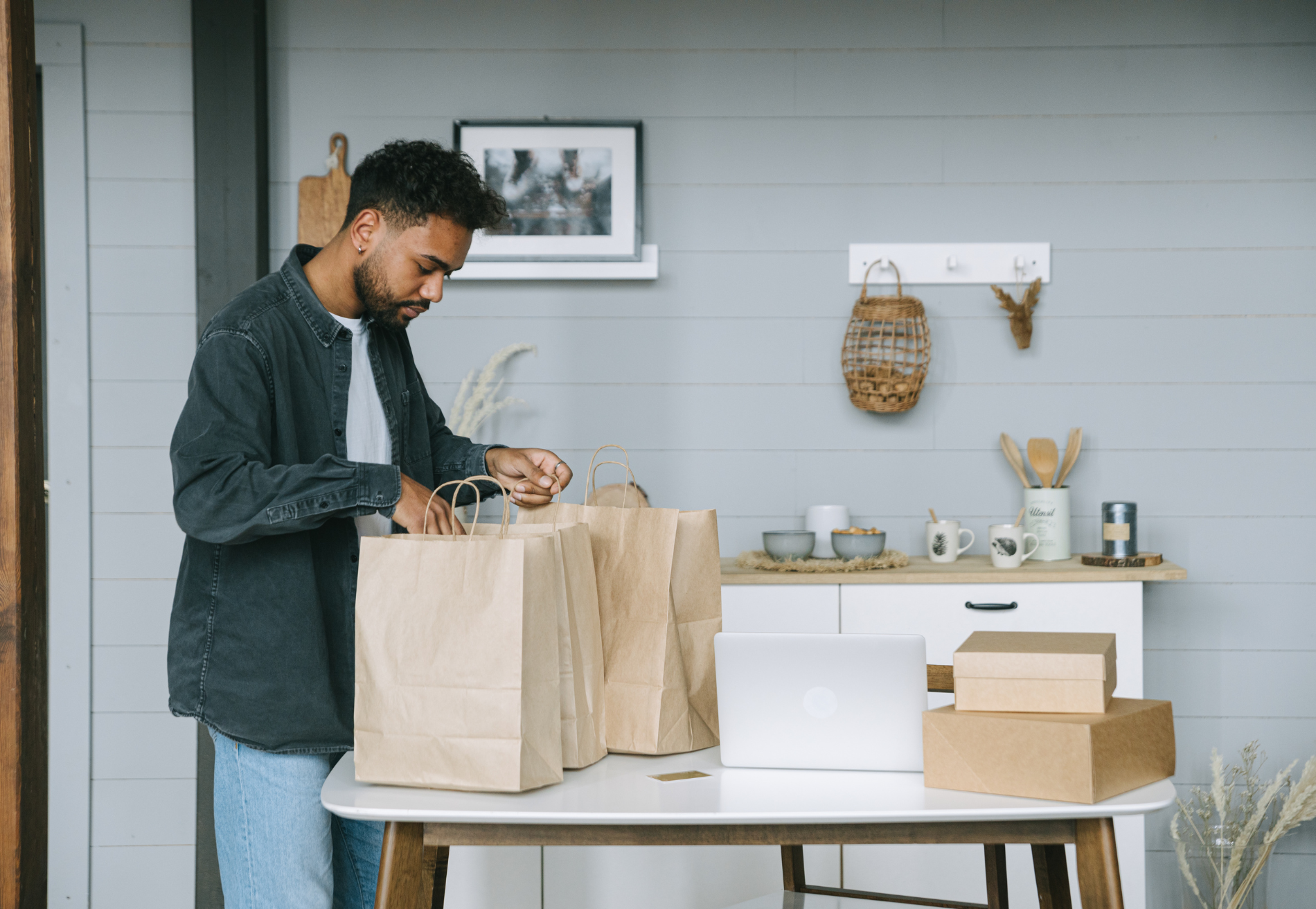
Shopping culture has shifted, and the demand for local same-day delivery isn't slowing down. The US same-day delivery market hit $9.25 billion in 2024, according to Mordor Intelligence, and is projected to reach $13.15 billion by 2030. Retail is the second-largest end-user segment in that market — and the stakes for getting delivery right are measurable: according to Capital One Shopping's ecommerce research, 63% of consumers choose a different retailer for later purchases if shipping takes too long. The independent retailers best positioned to compete aren't the ones with the biggest warehouses. They're the ones that built a tight, reliable local delivery operation and gave their customers a reason not to order from Amazon.
This guide covers what makes retail delivery operationally distinct, how to set up your software stack, and a roadmap for the three areas — returns, click-and-collect, and branded delivery — that separate good retail delivery programs from great ones.
How is retail delivery different from restaurant delivery?
Before you choose software, it's worth being specific about what your operation actually requires — because most delivery management platforms were built for restaurants, and retail has three operational differences that food-delivery tools aren't designed to handle.
More SKUs. A restaurant sends one bag per order. A retail order might include 12 different SKUs — some fragile, some oversized, some requiring different packaging.
Return flows. Restaurant delivery rarely involves returns. Retail delivery does. A customer who isn't home, a damaged item, a wrong order — each of these needs a documented return path, not just a driver note scrawled on a receipt. Without a process, every failed delivery becomes an improvised customer service situation.
High-value item handling. When an order includes a $300 piece of cookware or a piece of jewelry, proof of delivery is essential. Photo confirmation, signature capture, and GPS timestamping are the difference between a closed case and a disputed charge.
Before choosing software, map your actual delivery workflow: average SKU count per order, expected return rate, and order value distribution. Software that solves your specific challenge will outperform a generic platform every time.
How Shipday integrates with Shopify and WooCommerce
If your store is on Shopify or WooCommerce, this is where efficiency is won or lost. Every minute your dispatcher spends manually entering orders from your e-commerce platform into a separate delivery tool is a minute of lag — and lag compounds fast when order volume grows.
Shipday integrates natively with Shopify, WooCommerce, Square, and Wix. Orders placed through your online store flow directly into Shipday's dispatch dashboard — no copy-paste, no manual entry, no separate screen to monitor. The moment a customer completes checkout, the order is in your dispatch queue.
The setup sequence is straightforward: connect your store, configure your delivery zones and fees, set your auto-dispatch rules, and test with a live order before going fully live. Auto-dispatch assigns drivers based on rules you configure — zone coverage, driver availability, vehicle type — so routine orders move from checkout to driver app without any manual intervention.
A few things worth configuring carefully at setup. Delivery zone boundaries should reflect where you can actually deliver profitably — not the widest radius you can cover on a good day. Customers see your zone in real time at checkout, so drawing it accurately upfront eliminates the "sorry, you're outside our delivery area" conversation after an order is placed. Delivery fee settings work the same way: a flat fee, a tiered structure based on distance or order value, or a free delivery threshold above a minimum order — all configurable in Shipday and displayed transparently at checkout. Customers who see a clear delivery fee before they commit are less likely to abandon the cart than customers who hit a surprise fee at the last step.
On pricing: Shipday's Starter plan is free for up to 300 orders per month, which covers most independent retailers in the early stages of a delivery program. The Professional plan starts at $39/month for higher volume; Elite at $99/month adds barcode scanning, ID verification, and branded tracking pages — worth considering once your operation is running and you're ready to invest in the customer-facing layer.
How do I manage multiple drivers for retail delivery?
As order volume grows, as do dispatch and routing questions.
Shipday supports unlimited driver accounts on the Elite plan, with a centralized dispatch dashboard that shows all active drivers, current routes, and order statuses in real time. One dispatcher can manage a multi-driver operation from a single screen — no phone calls to check on drivers, no status updates via text thread.
Route optimization matters more than most retailers expect. Shipday's route optimization builds multi-stop routes that minimize total drive time, accounting for traffic and stop sequence. The difference between an optimized route and a manually planned one gets bigger as order density increases — at five stops it's minor, at 15 it's significant.
Delivery time windows are the other piece. Scheduling delivery windows — two-hour slots, for example — does two things: it reduces failed delivery attempts (customers who chose a window are more likely to be home) and it gives your drivers a predictable structure that makes route planning more accurate. The data backs this up: 92% of consumers say they consider delivery windows when deciding whether to buy, according to Capital One Shopping's ecommerce research. Customers who choose a window are also more satisfied with the experience, even when the delivery arrives later in that window than they'd prefer. The act of choosing creates a commitment.
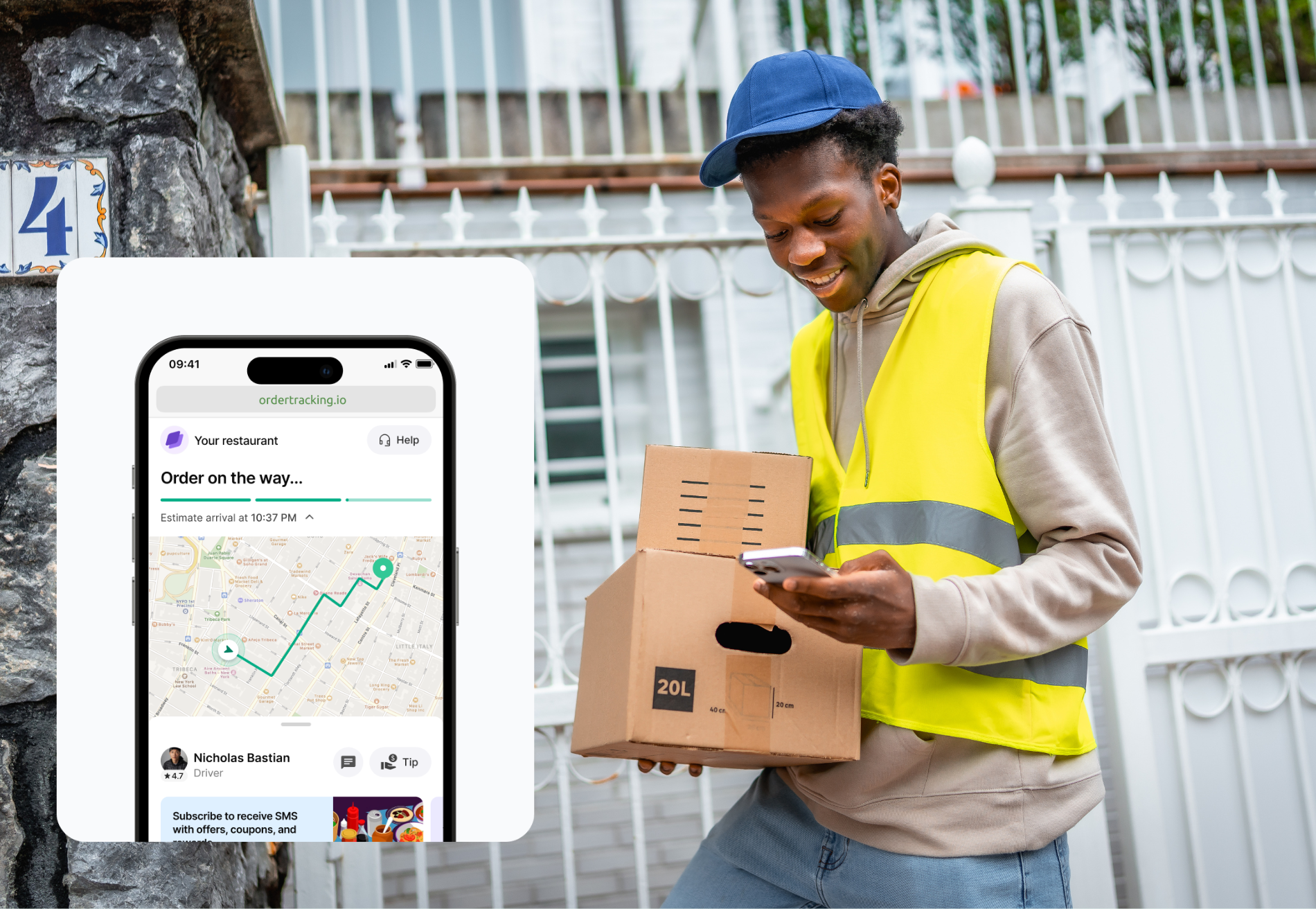
Real-time GPS tracking lets dispatchers spot a driver running late and reassign a stop before the customer's window closes, fixing the problem before it reaches the customer.
What does proof of delivery include for retail orders?
For retail, proof of delivery isn't a compliance jargon — it's liability protection on high-value orders and a trust signal for customers who can't be home when their order arrives.
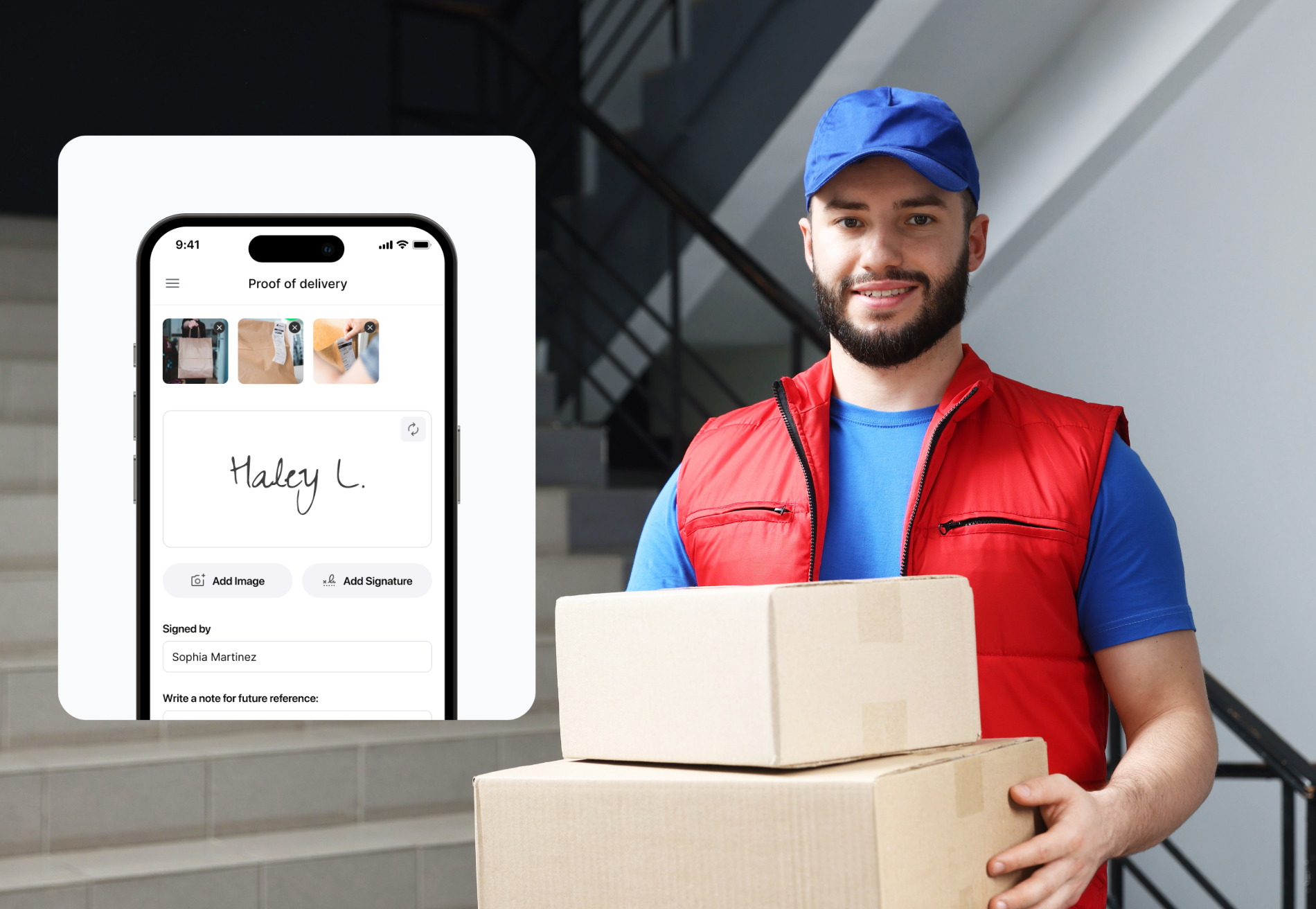
Shipday captures photo confirmation, customer signature, GPS coordinates, and timestamp at delivery — all stored and attached to the order record. For disputed deliveries, a timestamped photo and GPS record closes most cases before they escalate to a chargeback or a customer service escalation. That matters more as order values rise — a $40 candle and a $400 cast iron pan are both "delivered," but the evidentiary standard you want for each is different.
Some retailers go a step further and send the delivery confirmation photo to the customer proactively — turning what's essentially a compliance step into a branded touchpoint. The customer gets a photo of their order at their door, timestamped and confirmed. It's the kind of detail that generates five-star reviews, and it costs nothing extra once the driver is already capturing the photo.
Set proof-of-delivery requirements by order value tier. A reasonable starting framework: photo required on all orders; signature required above $100 or $150, wherever your high-value threshold sits. Configure this in Shipday by driver rule or order type — not by driver discretion. When it's discretionary, it becomes inconsistent. When it's systematic, it protects you every time regardless of which driver is on the route.
One more use case worth noting: proof of delivery data is also useful for identifying recurring failure patterns. If a specific address consistently has failed delivery attempts, or a particular driver has a higher-than-average dispute rate, the order records surface that — giving you something concrete to act on rather than a vague sense that something's off.
Key takeaways
Retail delivery done well is a competitive advantage — but only if you build it on software designed for retail workflows, not repurposed restaurant tools.
The retailers who win at local delivery aren't the ones with the most drivers or the widest zone. They're the ones with the tightest operations: right software, right process, right handoff every time. SKU complexity, return flows, and proof of delivery aren't afterthoughts — they're the core operational requirements that should drive your software decision.
Shipday is free for up to 300 orders per month. Connect your Shopify or WooCommerce store and start delivering in minutes. Start free.
FAQ
What's the difference between retail delivery management and restaurant delivery management?
Retail delivery has three operational requirements that most restaurant-focused tools don't support: SKU variability (multiple items per order with different packaging needs), return flows (failed or rejected deliveries that need a documented return path), and proof of delivery for high-value items (photo, signature, GPS). Before choosing software, map your actual delivery workflow — SKU count, return rate, and order value distribution — and choose a platform built for those requirements.
How does Shipday integrate with Shopify and WooCommerce?
Shipday connects natively with Shopify, WooCommerce, Square, and Wix. Orders placed through your online store flow automatically into Shipday's dispatch dashboard — no manual entry required. Setup involves connecting your store, configuring delivery zones and fees, and setting auto-dispatch rules. The Starter plan is free for up to 300 orders per month.
What does proof of delivery include, and when should I require it?
Shipday's proof of delivery captures photo confirmation, customer signature, GPS coordinates, and a timestamp — all stored and attached to the order record. Require photo at minimum for all orders; add signature for high-value items. Configure requirements by order type or driver rule in Shipday rather than leaving it to driver discretion, which creates inconsistency.
How do I manage delivery windows and multiple drivers for retail orders?
Shipday's Elite plan supports unlimited driver accounts managed from a centralized dispatch dashboard with real-time GPS. Offer two-hour delivery windows at checkout — customers who choose a window are more likely to be home and more satisfied with the experience. Route optimization builds multi-stop routes that minimize drive time; real-time GPS lets dispatchers reassign stops proactively when a driver is running late.
Can I run click-and-collect and home delivery from the same platform?
Yes — Shipday supports both from a single dashboard. Click-and-collect gives customers outside your delivery zone a way to order online and pick up in store, protecting against zone gaps. Both order types are managed from the same dispatch view, keeping operations consolidated rather than split across multiple tools.
This post is part of Shipday's retail delivery content series. For deeper dives on returns management, click-and-collect setup, and branded delivery, see the linked guides above as they're published.


.avif)
Table of contents
Related articles
Ready to get started?
Play around with it first, add your team, pay later.


%201.svg)

.svg)