
Deliverect integration with Shipday
Shipday connects through Deliverect Dispatch, so Deliverect has to activate Dispatch for your restaurant before the connection can be completed.
-
You need a Deliverect restaurant account and a Shipday account. Create your free Shipday account here (if you don’t have one)
-
In your Deliverect restaurant account, open
Explore moreand selectDispatch.
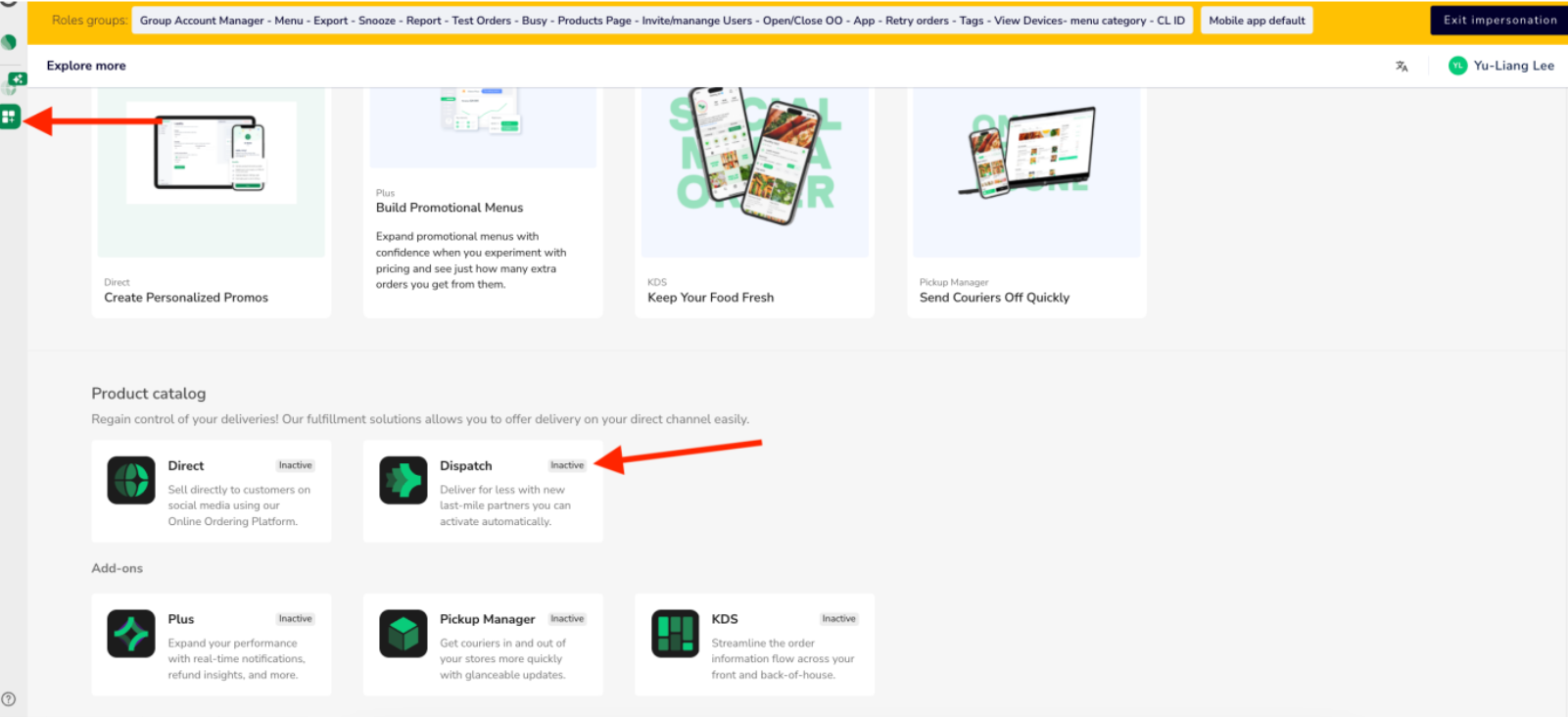
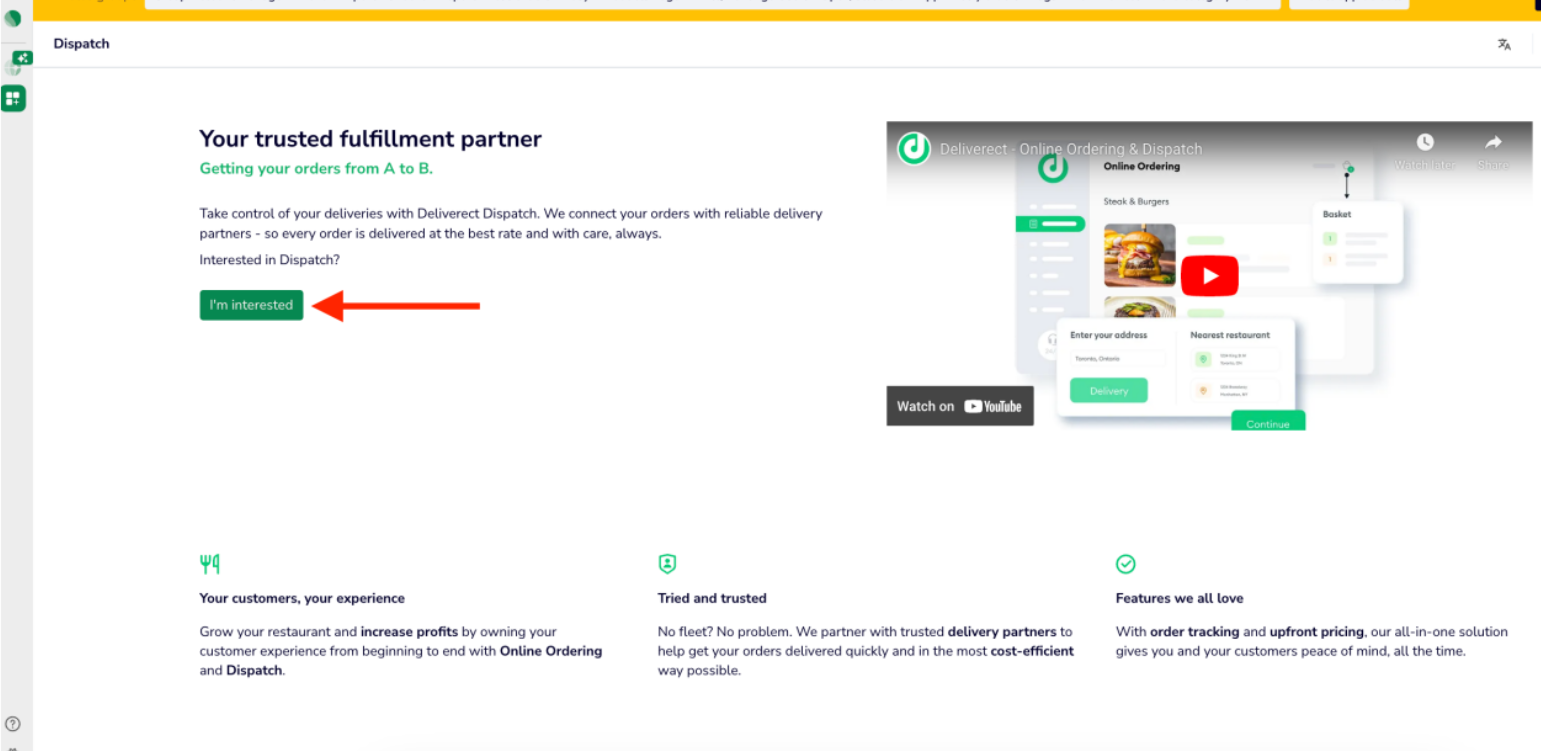
- Click
I’m interestedto open the activation request form.
-
Complete and submit the form. Deliverect will handle the activation request. If Dispatch is already active, continue to the next step.
-
Once Deliverect confirms that Dispatch is active, email support@shipday.com with the subject “Deliverect integration setup”. Include your restaurant name and Shipday account email. Our team will guide you through the connection details required by Deliverect.
-
Wait for confirmation that the connection is complete, then send a test order through Deliverect Dispatch and check that it appears in Shipday.
Contact Deliverect Support for Dispatch activation. For the Shipday connection, email support@shipday.com with your restaurant name and Shipday account email.
Need help? Email support@shipday.com
Ready to get started?
Play around with it first, add your team, pay later.