

Square Delivery: What's Included, What's Missing, and How to Fill the Gaps


.png)
The Square platform supports three delivery modes for restaurants and retail businesses using Square software:
- In-house delivery using your own driver staff
- On-demand delivery through DoorDash, Uber Eats/Postmates
- Third-party marketplace delivery via direct integration with commission-based Uber Eats, DoorDash, and Grubhub
You can access some or all of these options depending on your plan:
- Square Online Free, Plus, or Premium
- Square POS Free, Plus, or Premium
- Square for Restaurants Free, Plus, or Premium
Each option affects how you dispatch drivers, track orders, and manage costs. Here’s where each one works and where it falls short. We also include strategies for filling any functional gaps without leaving the Square platform.
Square Delivery Functions, Gaps, & Solutions
Square offers three ways to run deliveries. The right choice depends on how much control you need over drivers, tracking, and the customer experience.
Available Square Delivery Models by Square Subscription Type
Let’s look at each delivery feature individually.
In-House Delivery Using Your Own Drivers
Square includes a built-in in-house delivery mode that helps you fulfill orders with your own driver staff. This setup mirrors how traditional pizzerias and florists operate. This works best if most of your orders are within a few miles and you already have staff to drive.
What Square’s In-House Delivery Mode Includes
The in-house delivery mode includes basic order management. You get a simple workflow:
- Orders print to your POS or appear in your dashboard
- Delivery details show up in ticket notes
- Orders display on KDS screens if you use Square KDS
Customers can receive text updates when you mark an order as in progress or complete. You control delivery radius, fees, and minimum order size. Square charges $0.50 per delivery order.
What Square Delivery In-house Mode Lacks
Square’s in-house delivery mode is a step up from using handwritten orders, but it is still essentially a paper ticket system. Square's in-house delivery currently does not include:
- A driver-facing app: Square does not provide a mobile app for delivery drivers. Drivers receive order details through printed tickets or verbal instructions from staff.
- Streamlined phone order workflow: In Square's community forums, a pizzeria owner reported that phone-in delivery tickets did not print the customer's address or phone number. The community-suggested workaround was to create a zero-dollar menu item called "delivery instructions" and type the address into the order notes.
- Real-time driver tracking: Your business has no way to see where its drivers are during a delivery. Customers receive a text alert tied to the status changes your team manually inputs in your Square dashboard, not a live tracking link.
- Auto-dispatch or route-optimization: Square does not automatically assign orders to drivers. There is no logic for matching orders to the nearest available driver, batching nearby deliveries, or optimizing multi-stop routes. All dispatch is manual.
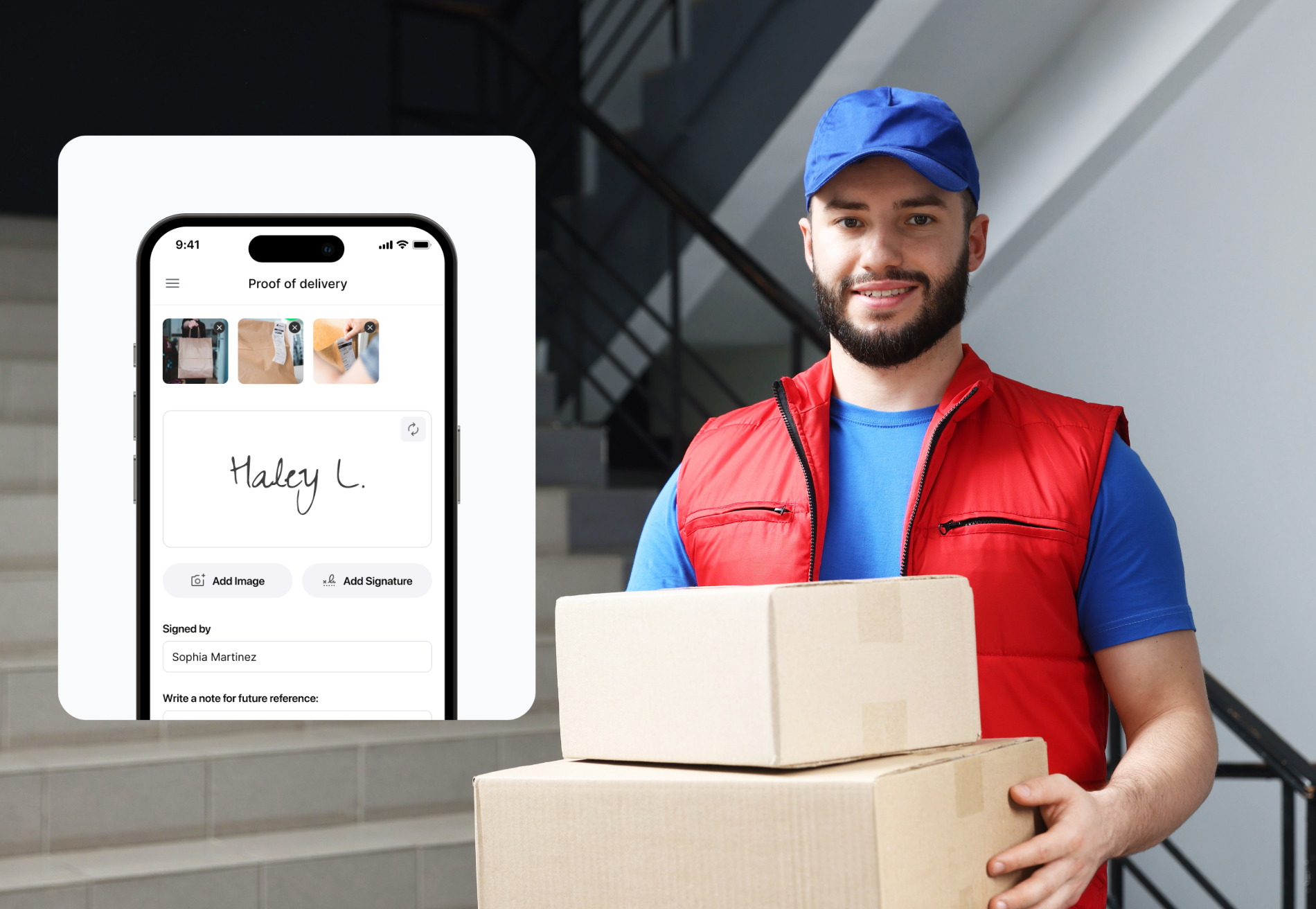
- Proof of delivery capture: Square's in-house mode does not capture photo confirmation, digital signatures, or timestamps at the point of delivery. You’ll simply mark orders as “complete” manually.
- Highly customizable delivery zones: Square's in-house delivery draws a straight-line radius from the store. In the Square Community, a Canadian seller explained that the radius tool either cuts off valid customers at the corners of a rectangular delivery area or forces the business to include zones where it does not actually deliver.
How to Fill the Square Delivery In-House Mode Gaps
If you need advanced driver management features, such as driver tracking or proof of delivery, you don’t have to leave Square entirely to get them. Several delivery management platforms plug directly into Square and add the tools that in-house mode lacks.
For example, delivery management software Shipday integrates with Square. The direct OAuth connection takes less than 5 minutes to set up, and, once connected, delivery orders from Square Online automatically flow into Shipday's dispatch dashboard.
Shipday includes:
- A driver-facing mobile app (available in 25+ languages),
- Auto-dispatch with rule-based driver assignment,
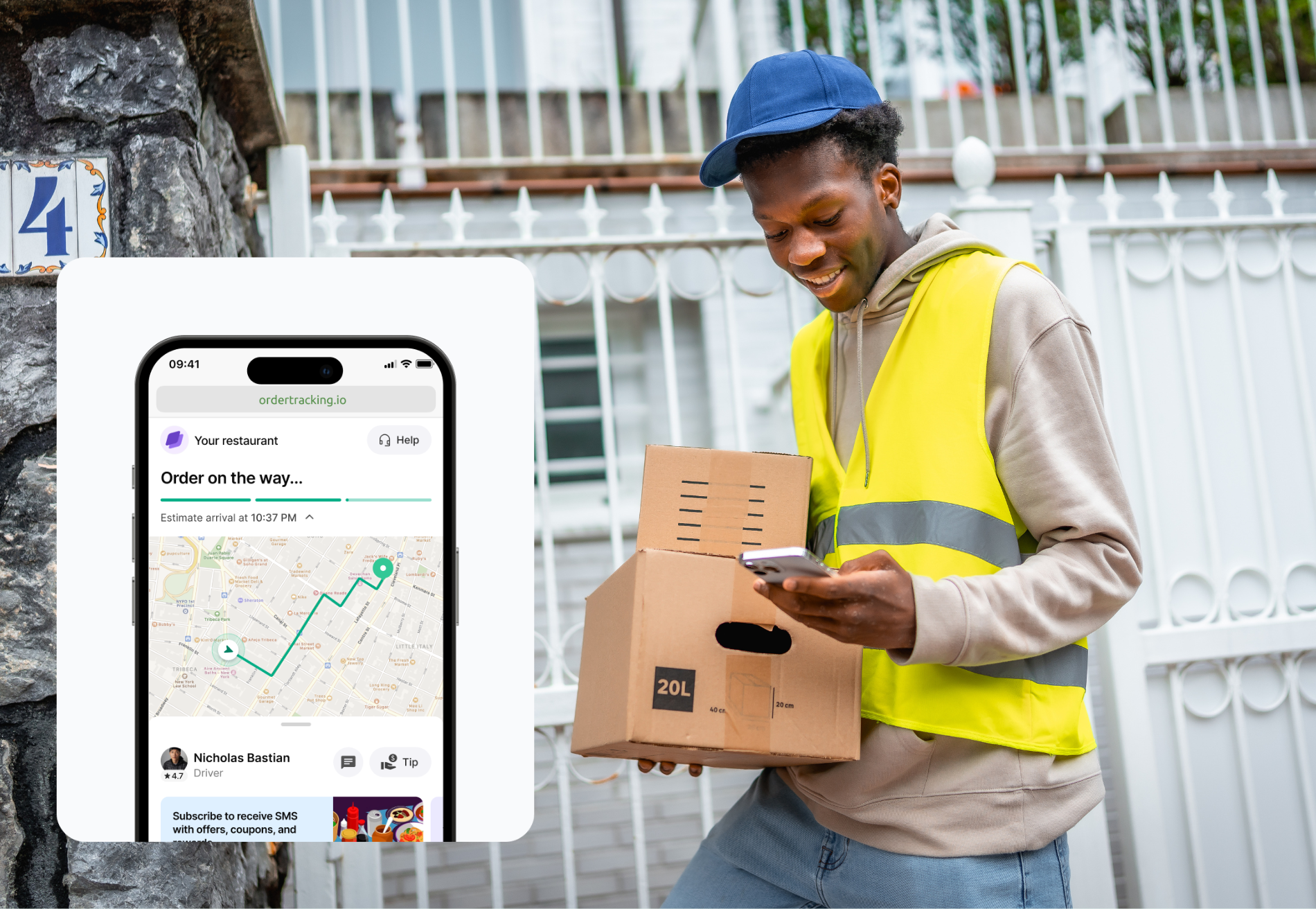
- Real-time GPS tracking for both the business and the customer through a branded tracking page,
- Route optimization for multi-stop deliveries,
- Photo-based proof of delivery.
Shipday case studies report 98%+ on-time delivery rates after switching from manual dispatch. Two independent restaurant groups reported that real-time tracking reduced inbound "where is my order?" calls by over 90%. One franchise operation reported up to 75% fewer delivery errors after implementing Shipday's proof-of-delivery feature.
Shipday's free Basic plan includes up to 300 delivery orders per month with no credit card required. Paid plans with route optimization and branded tracking start at $39 per month.
Cartwheel also markets itself as a delivery management add-on built specifically for Square restaurants. Cartwheel offers auto-dispatch with rule-based routing, a driver app with age and ID verification for alcohol delivery, plus branded customer tracking pages. Cartwheel's pricing is available on request through its website.
On-Demand Delivery (via DoorDash, Uber Eats/ Postmates)
Square's on-demand delivery mode routes your online orders to a third-party driver from DoorDash or Uber Eats. When a customer places an order, Square automatically requests a driver from DoorDash or Uber Eats. This makes sense if you don’t want to hire drivers or only handle a small number of deliveries each day.
Square charges $1.50 per order. The delivery provider adds a separate fee, usually between $5 and $10, depending on the distance. Customers receive live tracking and delivery confirmation from the courier.
What On-Demand Mode Includes
On-demand delivery mode is more automated than the in-house mode:
- Orders trigger a courier request automatically
- A driver picks up and delivers the order
- Customers get a live tracking link
- Delivery confirmation includes photo proof
Orders appear in your Square POS and dashboard alongside other sales.
What On-Demand Mode Lacks
On-demand delivery solves the courier logistics problem without adding commission-based fees. But there are a few constraints that affect operations:
- No hybrid delivery model. Square requires each location to choose either in-house delivery or on-demand delivery. You cannot use both at the same location simultaneously, but you can switch between them at any time. This means a business cannot use its own drivers for nearby or high-value orders and fall back to DoorDash for overflow.
- No brand control over the delivery experience. Multiple restaurant owners in the Square Community have described this tension. When a third-party courier is late, loses the order, or provides poor service, the customer blames the restaurant. One bakery and deli owner put it plainly: "If the food is of poor quality because of the driver's error/delay, it's going to reflect poorly on us, not them."
- Limited accountability when deliveries go wrong. A restaurant reported that a courier marked an order as "Delivered" without actually delivering it. There was no way to dispatch a replacement driver within Square. Another seller described a large dinner-party order in which the courier never showed up; the restaurant had to send one of its own chefs to deliver the food.
How to Fill the On-Demand Mode Gaps
The single biggest on-demand gap (no hybrid model) is solved by connecting a delivery management tool that handles dispatch across both your own drivers and third-party couriers.
For example, delivery management platform Shipday supports hybrid delivery from a single dashboard. Businesses can set rules to dispatch orders to their own drivers first and automatically fall back to DoorDash Drive or Uber when in-house drivers are unavailable or when orders fall outside the delivery zone. This eliminates the either/or limitation in Square's native setup.
Shipday also provides the business with a branded customer-tracking page for every order, whether an in-house driver or a third-party courier delivers. The business maintains brand control over the tracking experience even when using DoorDash.
Third-Party Marketplace Integrations
Finally, Square integrates directly with DoorDash, Uber Eats, and Grubhub. These marketplace integrations are separate from Square's on-demand delivery mode. They are available only to sellers using Square for Restaurants (or with full-service, quick-service, or bar mode enabled in the Square POS app). Retail sellers on Square Online do not currently have access to these marketplace integrations.
Marketplace integrations let customers find your restaurant on the third-party app and place orders that flow into your Square POS and KDS. Menu syncing is supported across all three platforms. You’ll need to create accounts and agree to commission terms directly with the third-party platforms themselves. Then you can integrate your active accounts with your Square system so all your third-party orders appear in a single dashboard.
This option is a good fit for high-volume restaurants that don’t want to hire their own drivers. It can be a timesaver for Square restaurants that utilize more than one third-party platform, too.
Square’s Third-Party Delivery Integration Limitations
The main limitation is that driver status from DoorDash, Uber Eats, or Grubhub isn’t visible inside Square. You cannot track a marketplace delivery courier from your POS. For any delivery issues, you must contact the third-party platform directly.
Some critical user reviews say the DoorDash integration does not work as seamlessly as promised, and it can be difficult to contact customer support from either Square or DoorDash to troubleshoot errors. The Grubhub and Uber Eats integrations don’t have enough reviews to detect any patterns; at the time of writing, the Uber Eats integration had zero reviews, and Grubhub had only one.
How to Fill Square’s Third-party Delivery Integration Gaps
These marketplace integrations are primarily customer acquisition channels, not delivery management tools. If you already have enough customers ordering directly from your Square Online site, marketplace commissions (typically 15 to 30 percent) may not be worth the cost. Restaurants looking to reduce their reliance on third-party delivery can use Shipday to run their own delivery operations for direct orders while keeping marketplace channels open for discovery.
Frequently Asked Questions (FAQs)
Does Square have a delivery driver app?
Square does not offer a driver-facing mobile app for in-house delivery. Square's in-house delivery mode prints order details to the POS ticket and sends text alerts to customers. To add real-time driver tracking to Square, restaurants can connect a delivery management tool like Shipday, which provides a driver app, GPS tracking, plus a customer-facing tracking page.
Can I use my own drivers and DoorDash at the same time with Square?
You can use Square’s in-house delivery tools alongside commission-based third-party delivery platforms. But Square does not currently support using its in-house delivery mode and on-demand third-party delivery mode simultaneously; users must choose one or the other.
Does Square delivery include proof of delivery?
Square provides photo confirmation for on-demand deliveries fulfilled by third-party delivery drivers. Square's in-house delivery mode does not include proof of delivery. Shipday adds photo capture and delivery timestamps to every in-house delivery order.
Does Shipday integrate with Square?
Shipday integrates directly with Square through a five-step setup process. Once connected, delivery orders from Square Online flow into Shipday's dispatch dashboard. Shipday's free plan supports up to 300 orders per month.
When Square Delivery Is Enough (and When It Isn’t)
Square handles payments well, but its delivery tools are limited once you scale beyond basic orders. Its built-in delivery features reflect Square’s core mission of providing affordable software to small businesses. Those tools are a great fit for Square users taking their first steps into the delivery space, or for those who wish to rely entirely on third-party delivery drivers. Businesses using their own drivers or adopting a hybrid model that combines in-house and third-party drivers can get more comprehensive delivery support by integrating a delivery management app like Shipday.
✅ Shipday connects to Square in under 5 minutes via a direct integration.
✅ Shipday's free plan covers up to 300 delivery orders per month.
✅ Shipday lets you add auto-dispatch and driver tracking, and proof of delivery, alongside a suite of AI-agent tools that save you administrative time.
Start for free and see how Shipday transforms your delivery.


.avif)
Índice
Artículos relacionados
¿Listo para empezar?
Juega primero con él, agrega tu equipo y paga después.


%201.svg)

.svg)