Talk to sales
Free Route Planner for Multi-Stop Deliveries
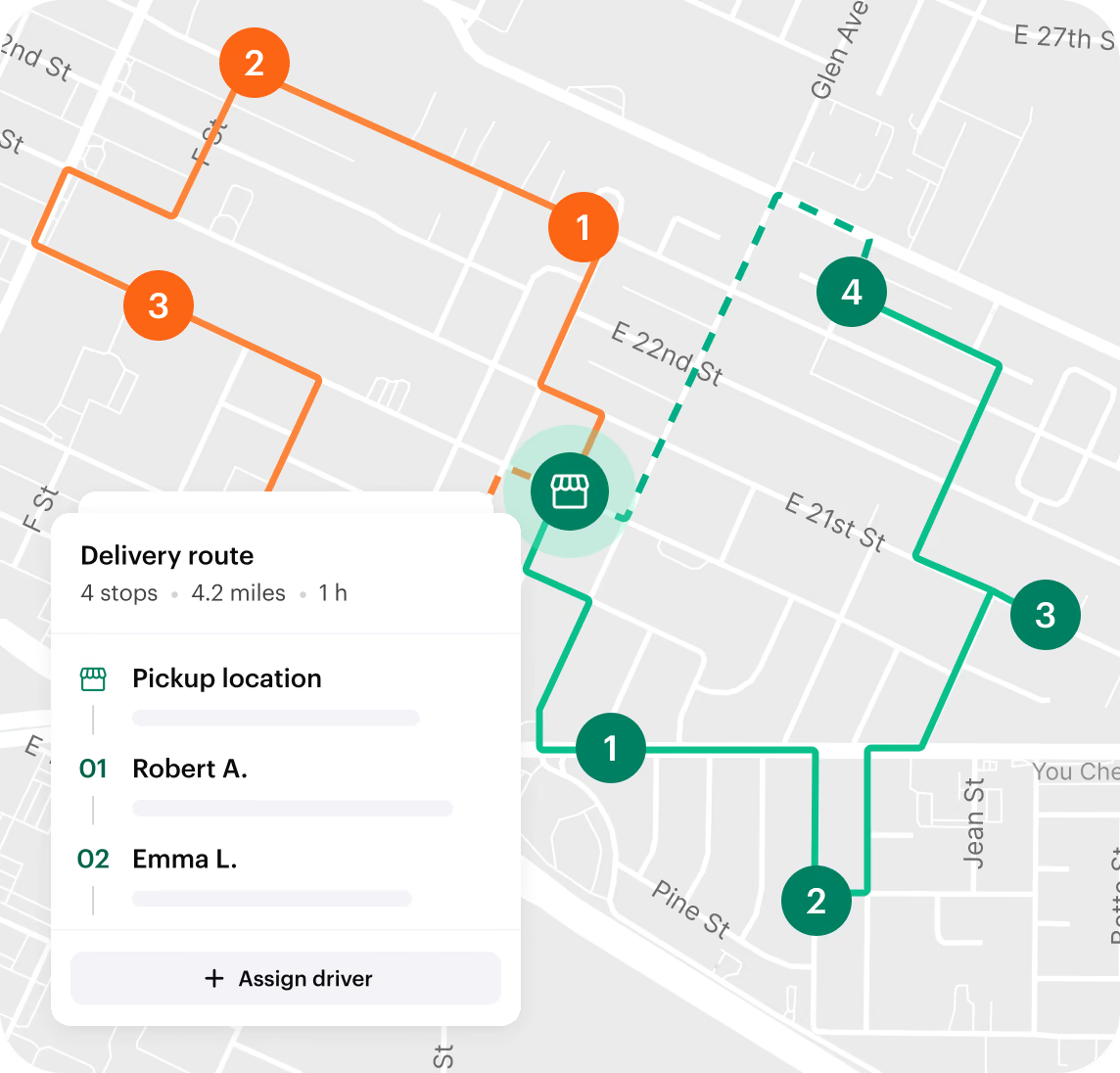
Optimize your delivery stops, reduce drive time, and plan smarter routes in minutes. Paste addresses, import a CSV, and get the best stop order instantly—without spreadsheets or manual work.
Plan a Route for Free
Multi-stop
Plan and optimize routes with up to 100 stops
Automatic optimization
Stops are reordered automatically to reduce drive time and distance.
Built for delivery teams
Ideal for couriers, drivers, and field teams managing daily routes.
Plan a Route for Free
Powerful route planning, without the complexity
Smarter multi-stop route planning
Get a smarter stop order that reduces backtracking, wasted miles, and unnecessary delays—automatically.
Automatically reorder stops to save time and distance
Avoid unnecessary detours and backtracking
Start and end routes where you want
Faster than spreadsheets
Paste addresses or import a CSV and get an optimized route instantly—no sorting rows or manual planning.
Paste address lists directly
Import routes from CSV or Excel files
No setup or signup required
Flexible route setup
Configure routes to match your operation, whether you’re planning for one driver or a full delivery team.
Create one route or multiple routes at once
Split stops across drivers or vehicles
Adjust routes before generating
Easy sharing and exporting
Access your optimized routes instantly and share them in the format that works best for your team.
View optimized routes on the map
Download routes as CSV
Share routes with drivers or teams
Plan a Route for Free
How it works
Turn complex data into easy-to-read reports that power smarter business decisions.
Upload delivery addresses
Upload a CSV or Excel file with all your delivery stops.
Choose number of routes
Create a single route or split stops across multiple routes.
Set start and end points
Choose where each route starts and whether it ends at the same location or a different one.
Generate optimized routes
The system optimizes each route on the map. Download or share routes in one click.
Who is this route planner for
If your day involves more than one stop, this tool is built for you.
Local delivery & courier teams
Plan and optimize daily delivery routes with multiple stops in minutes.
Restaurant catering deliveries
Optimize multi-drop catering runs and share routes easily with drivers.
Sales reps & field teams
Plan efficient customer visits without wasting time on manual routing.
Retail restocking & pickups
Handle store-to-store or warehouse routes with less driving and backtracking.
Multi-location supply runs
Optimize routes across warehouses, stores, or job sites.
Personal errands & road trips
Plan multi-stop days without backtracking or unnecessary detours.
Try Shipday’s free route planner
Plan a Route for Free
FAQs
Is Shipday’s route planner really free?
Yes. You can plan and optimize routes for free without creating an account. Just upload your addresses and generate your routes instantly.
Do I need to sign up to use the route planner?
No signup is required to use the free route planner. You can upload your addresses, optimize routes, and download or share them right away.
What file formats can I upload?
You can upload CSV or Excel files containing your delivery addresses. Each row should represent one stop.
Can I edit my routes after generating them?
You can adjust your route setup—such as the number of routes or start/end locations—before generating. Once generated, you can download and refine routes as needed.
Can routes start and end at different locations?
Yes. You can set where each route starts and choose whether it ends at the same location or a different destination.
Can I download or share the routes after they’re generated?
Absolutely. You can view optimized routes on the map, download them as a CSV, or share them with your drivers or team.
Is this only for delivery businesses?
The route planner is built for delivery teams, but it also works well for couriers, field service teams, sales visits, and any business with multiple stops to plan.
How accurate is the route optimization?
Routes are optimized to reduce travel time, distance, and unnecessary backtracking. The system automatically orders stops to create efficient delivery routes.
What’s the difference between the free route planner and Shipday’s paid plans?
The free route planner helps you plan and optimize routes. Paid plans unlock advanced delivery management features like live tracking, driver apps, dispatch tools, and automation.
Ready to plan your routes?
Create optimized delivery routes instantly from a CSV or Excel file.
Try the free route planner